
Architecture August — Part 2
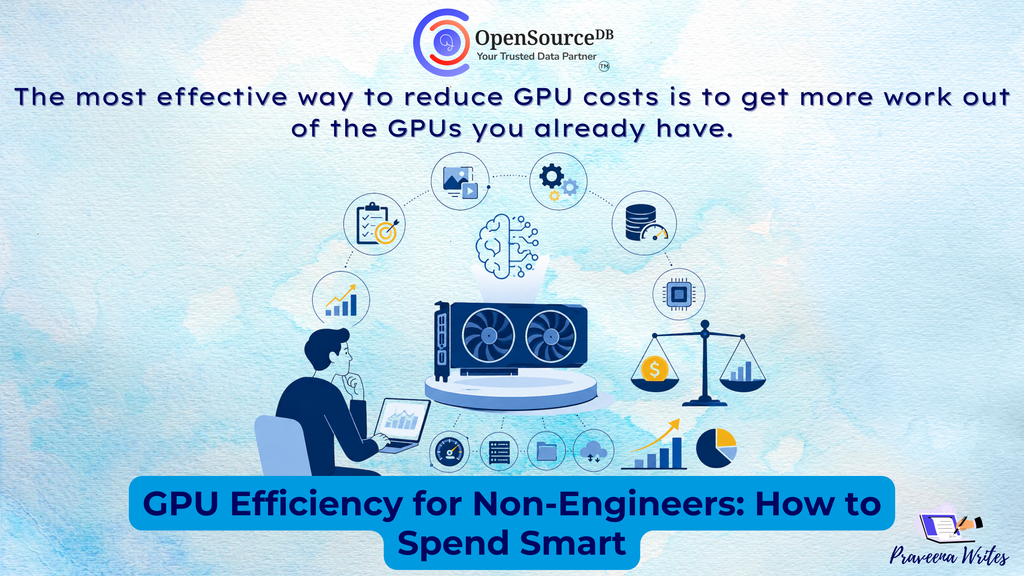
GPU Efficiency for Non-Engineers: How to Spend Smart
AI is changing how businesses build products, but it also brings a major infrastructure question:
How much GPU do you actually need—and how do you avoid paying for more than you use?
You don’t need to be a GPU expert to make smarter infrastructure decisions. Understanding a few key concepts can help.
1. Start With the Workload
Different workloads have different GPU requirements.
Training, fine-tuning, inference, image generation, and batch processing all use GPUs differently.
Instead of asking, “What’s the most powerful GPU we can get?”, ask:
“What does our workload actually require?”
2. VRAM Matters
VRAM is the GPU’s memory and needs to be large enough to hold your model and workload.
More VRAM isn’t always better. If your workload fits comfortably on a smaller GPU, paying for additional capacity may not improve performance.
Buy what you need, not what looks most powerful.
3. Watch GPU Utilization
A powerful GPU running at 20% utilization means you’re paying for capacity that isn’t being fully used.
But utilization alone isn’t enough. Also look at throughput—how much useful work the GPU completes.
The goal isn’t simply high utilization. It’s maximum useful output from the capacity you’re paying for.
4. Look Beyond the GPU
Sometimes the GPU isn’t the bottleneck.
Slow storage, insufficient CPU capacity, networking issues, or inefficient data pipelines can leave GPUs waiting for work.
Before adding more GPUs, identify what’s actually limiting performance.
5. Think in Cost Per Output
Hourly GPU pricing doesn’t tell the whole story.
Instead, measure:
Cost per request
Cost per image
Cost per token
Cost per completed job
A more expensive GPU can sometimes be cheaper overall if it completes significantly more work.
6. Optimize Before You Scale
Before buying additional GPUs, consider:
- Model optimization and quantization
- Batching requests
- Caching repeated workloads
- Better model-serving infrastructure
- Autoscaling during demand spikes
Often, the most effective way to reduce GPU costs is to get more work out of the GPUs you already have.
The Bottom Line
GPU efficiency isn’t about choosing the biggest GPU.
It’s about finding the right balance between:
Performance + Utilization + Memory + Latency + Cost
For startups and growing businesses, this can make a significant difference to infrastructure spending.
The smartest question isn’t:
“How much GPU can we afford?”
It’s:
“How much GPU do we actually need to deliver the performance our customers expect?”
That’s where GPU efficiency becomes a business advantage, not just an engineering concern.